
Getting Started with bulkbase.ai
Follow this guide to quickly get started with bulkbase.ai. You'll learn how to register, connect your OpenAI API, and book your onboarding session. To begin, you’ll need access to OpenAI and an internet connection.
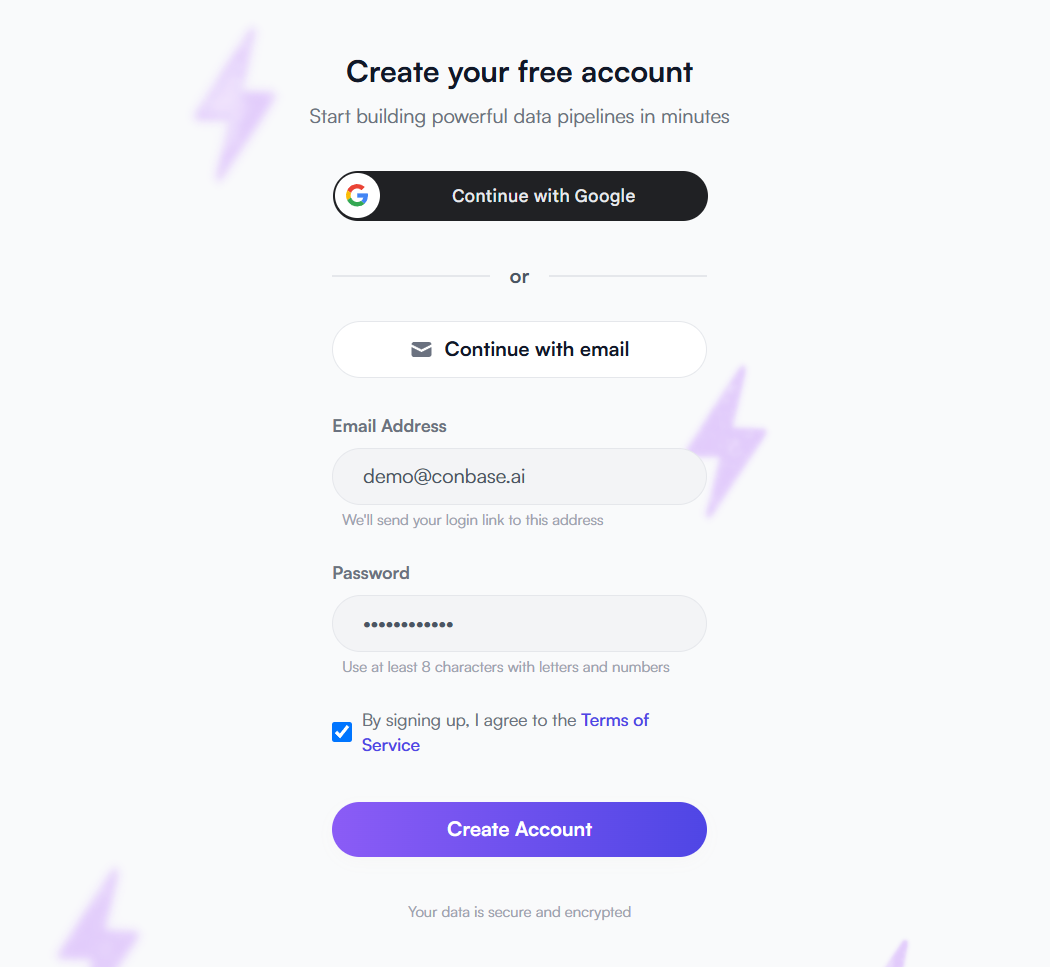
Register Your bulkbase.ai Account
Create your bulkbase.ai account to access intelligent data processing tools.
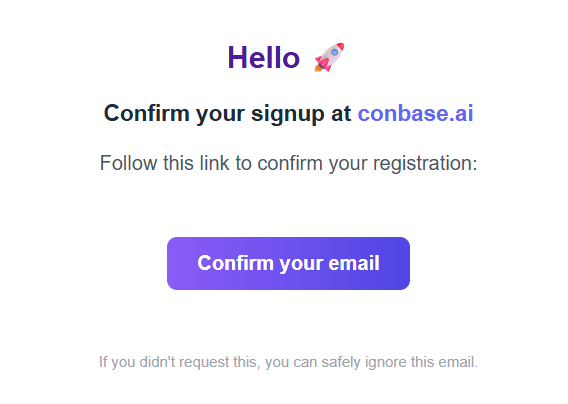
Check your emails, confirm your registration and sign in
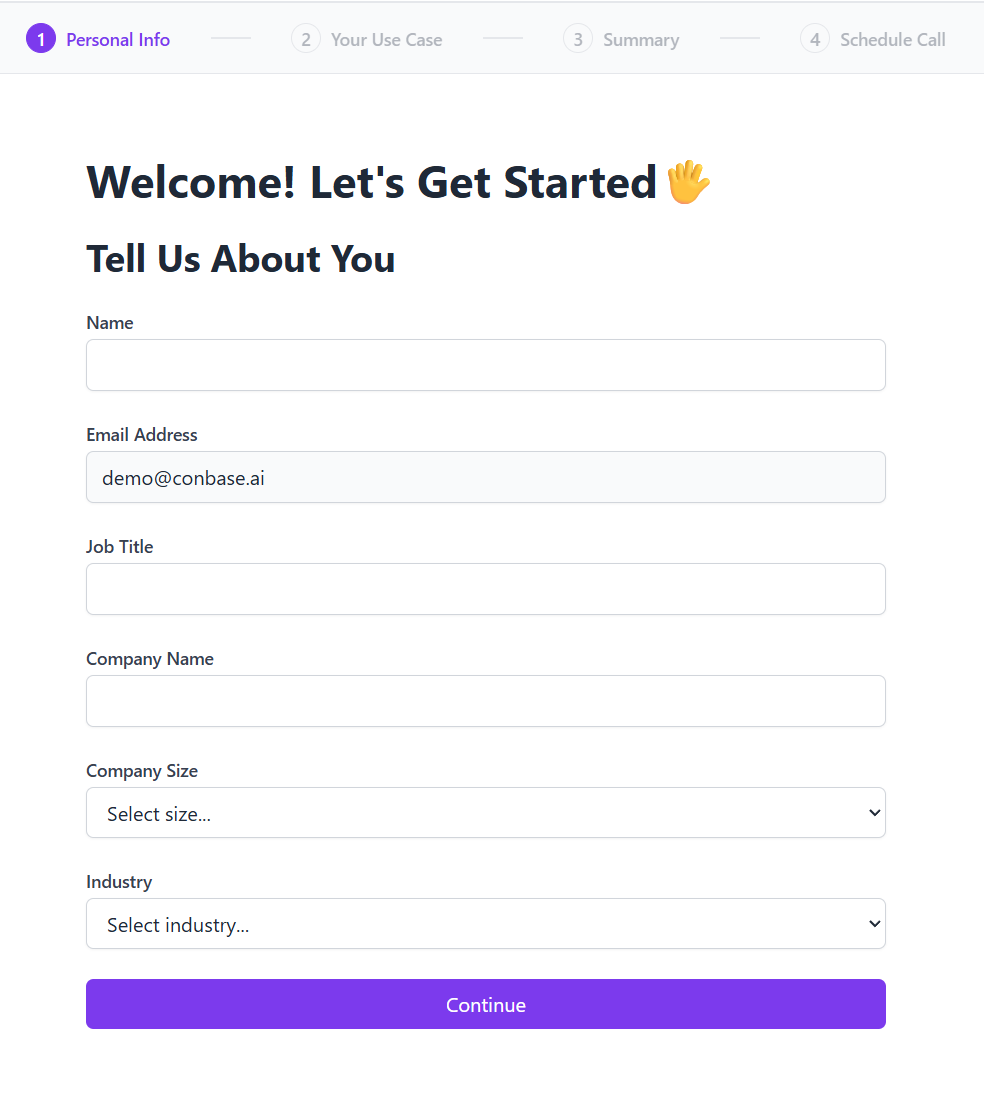
Set up your account (no credit card required)
Create an OpenAI Account
To power bulkbase.ai, you’ll need an OpenAI account.
Add Credit to Your OpenAI Account
To use Bulkbase.ai, you’ll need an active OpenAI account with available credit. These funds are used exclusively for API usage on OpenAI’s platform, Bulkbase does not charge or take any portion of this balance.
We recommend starting with:
- €50 — Unlocks Tier 3 rate limits after 7 days
💡 This is not a fee. Your credit stays in your OpenAI account and is used only to pay for the actual API calls made during your bulkbase.ai workflows.
Add Funds to Your OpenAI Account
Learn More About OpenAI Rate Limits
Generate and Connect Your API Key
Link your OpenAI account with bulkbase.ai:
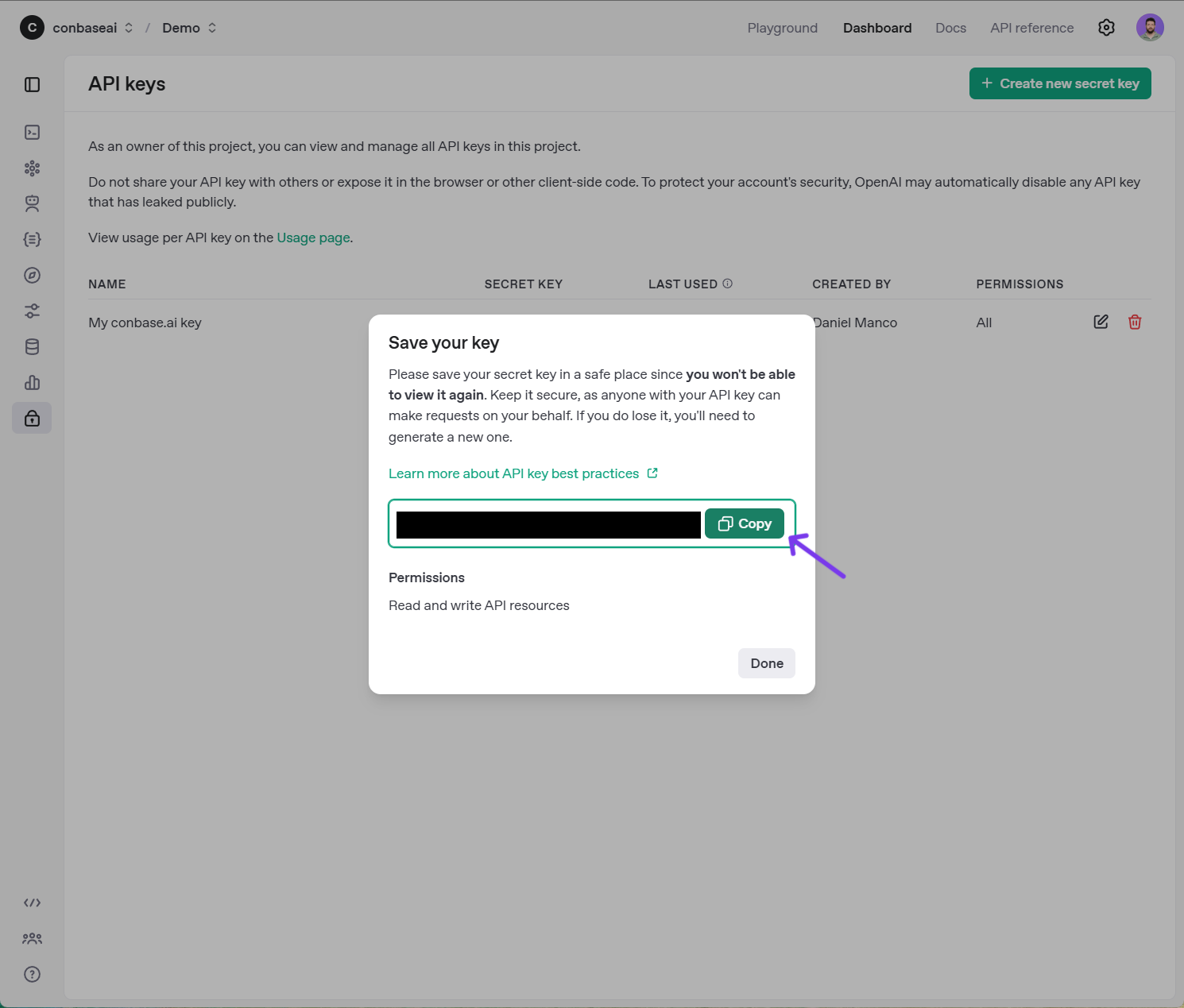
- Go to the API keys page
- Click "Create new secret key"
- Copy the API key
- Paste it into your bulkbase.ai account
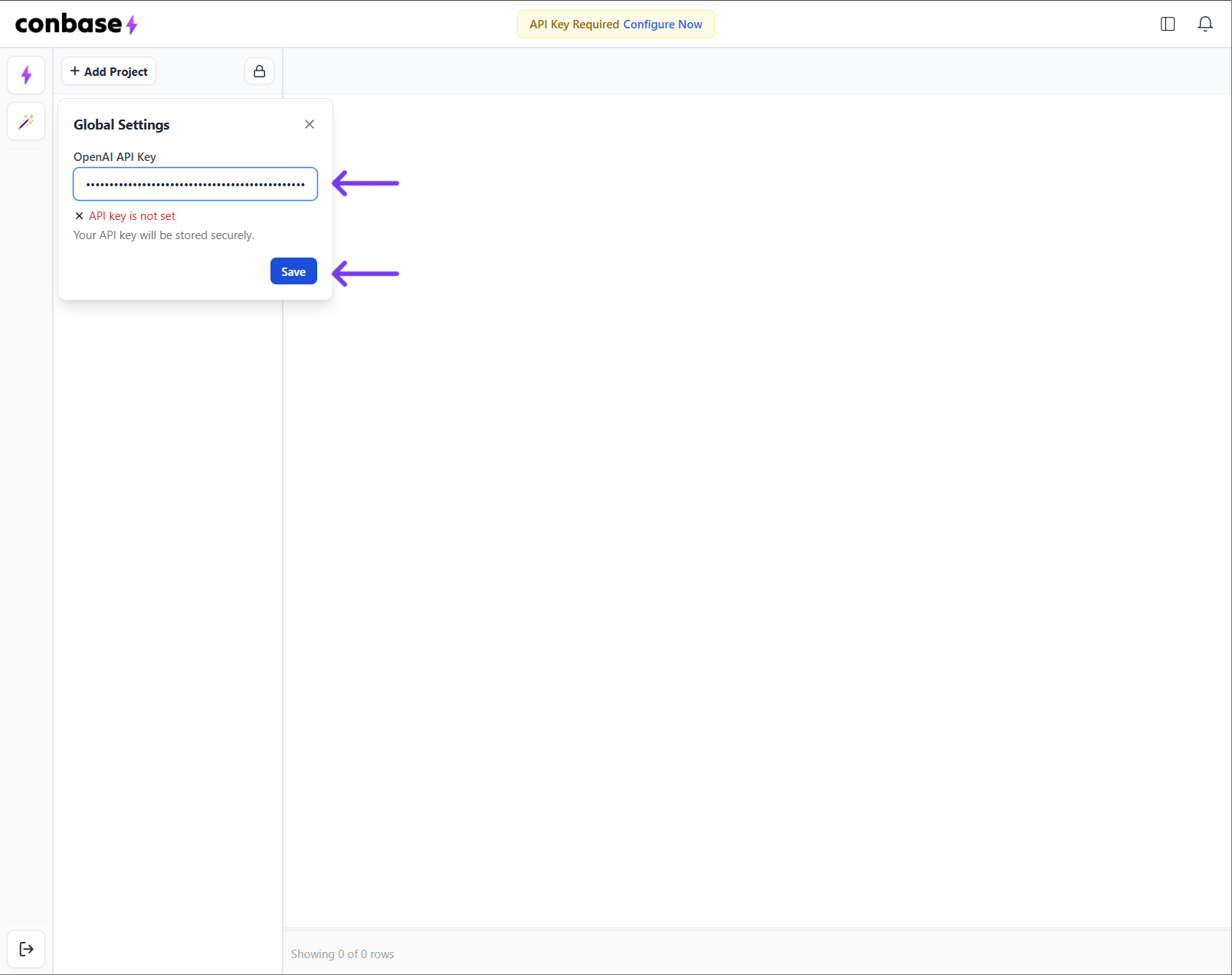
You’ve completed the essentials — account created, API connected, and you're ready to go. Now let’s put Bulkbase to work.
Let's process some data!
New to Bulkbase? No worries, our Workflow Guide makes it simple. You'll learn how to create your first project, upload data, use built-in action templates or create your own, and build both simple and advanced pipelines. From setup to export, everything is covered in clear, practical steps.
Prefer a Personal Walkthrough?
If you’d rather talk things through, book a free onboarding session. One of our team members will guide you step-by-step, from setting up your first pipeline to making the most of the platform.
- Get help creating your first project and pipeline
- Explore how to use and customize actions
- Understand how data processing and exports work
- Ask any questions you have along the way
Need Help?
If you need any assistance, contact us at [email protected]. We're here to help ensure your onboarding experience is smooth and successful.